

Description
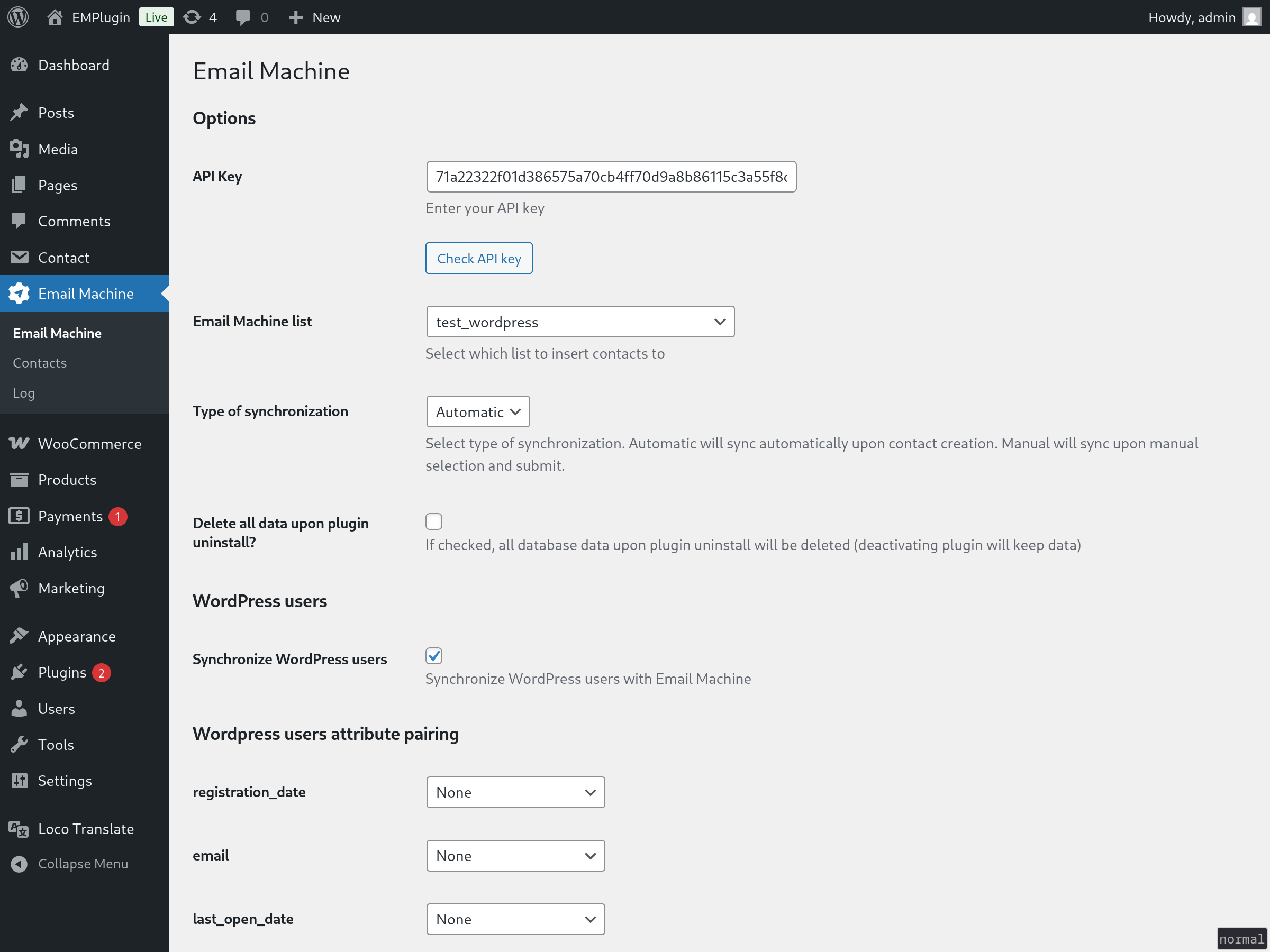
This plugin connects to the Email Machine API to synchronize data from your WordPress site. It can transfer WordPress users, WooCommerce customers, and Contact Form 7 submissions to the Email Machine platform for email marketing and automation purposes.
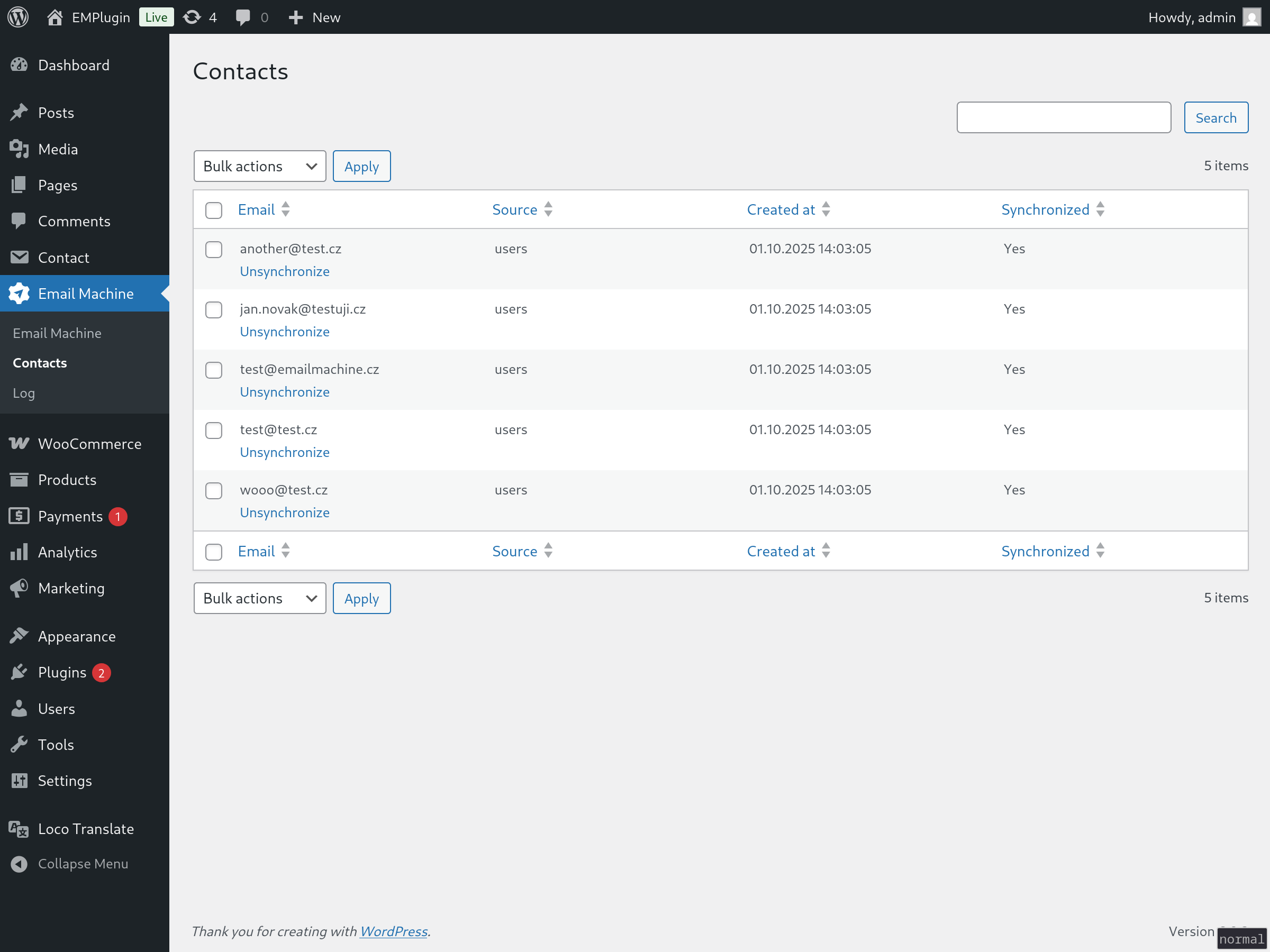
It sends user data whenever synchronization occurs (can be setup as manual sync or automatic sync whenever new contact is added). The email field is required for all records. Additional fields can be optionally mapped and sent based on your configuration settings.
Supports:
- WordPress users
- Woocommerce customers
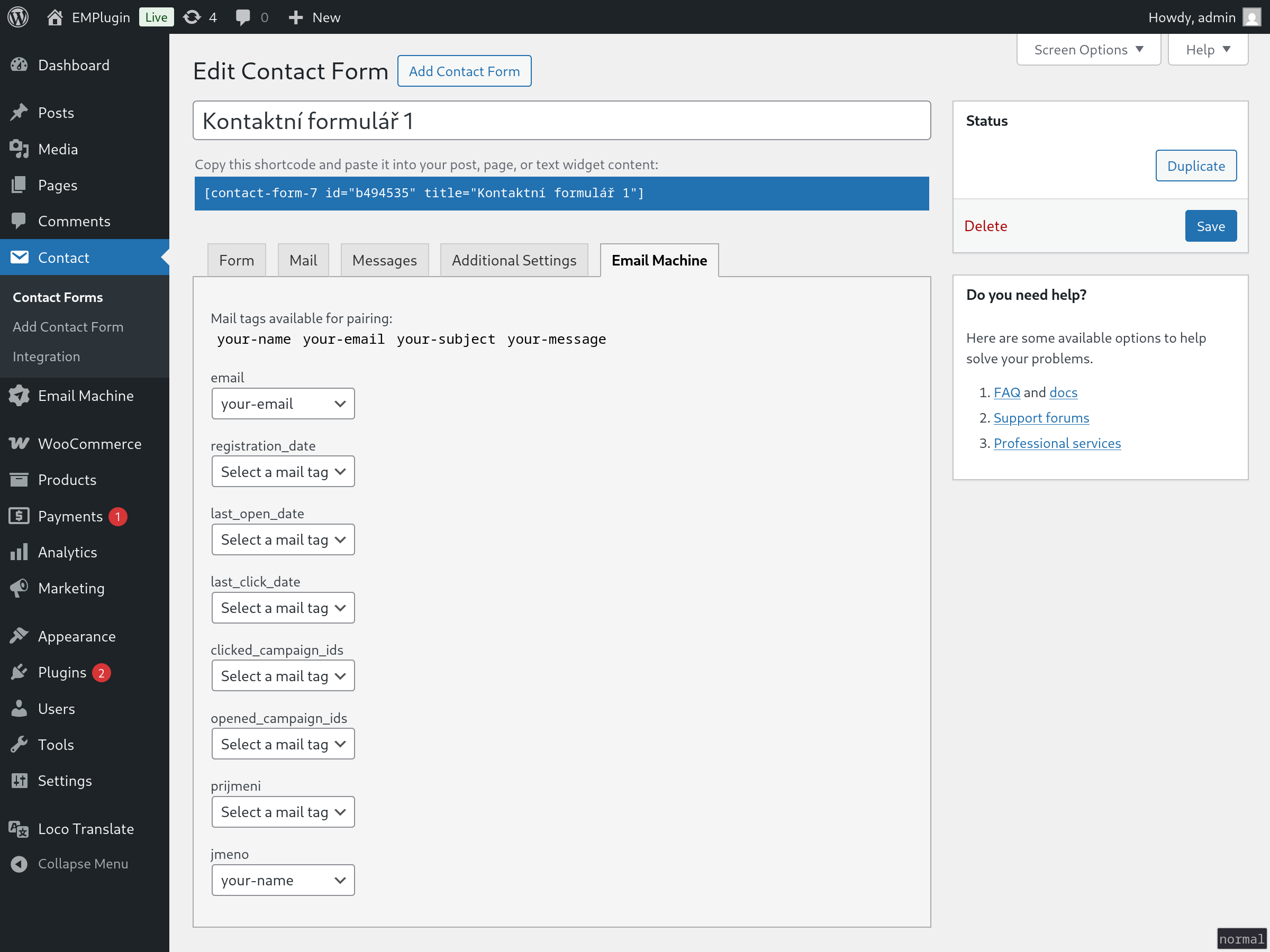
- Contact Form 7 submissions
- Implement your own using provided hooks
Available filters
emaima_contact_data
$filtered_data = apply_filters('emaima_contact_data', [
            'ID' => $this->ID,
            'email' => $this->email,
            'source' => $this->source,
            'source_ID' => $this->source_ID,
            'source_note' => $this->source_note,
            'created_at' => $this->created_at,
            'synced_at' => $this->synced_at,
            'sync' => $this->sync,
            'fields' => $this->fields
        ], $this);
You can manipulate the contact data with this filter.
Available hooks
emaima_before_save_contact
emaima_after_save_contact
emaima_before_sync_contact
emaima_after_sync_contact
emaima_before_unsync_contact
emaima_after_unsync_contact
These are self explanatory, you can run your own code in these actions.
Available actions
emaima_create_contact
You can add contact with this action. Default data are:
$contact_data = [
            'email' => 'john@doe.com', // email, required
            'source' => 'my_table', // name of the source (table in db, or other), 'custom' if empty
            'source_ID' => 3, // ID of the source, mostly ID of row in the db
            'source_note' => '', // note
            'fields' => [] // contact fields, array of key => value pairs
];
External services
This plugin uses a third party service “Email Machine” (endpoint: app.emailmachine.cz: Terms and Conditions, Privacy Policy.
Screenshots
Installation
- Upload
email-machineto the/wp-content/plugins/directory - Activate the plugin through the ‘Plugins’ menu in WordPress
- Insert API key in the plugins settings page
- Choose EmailMachine list to synchronize to
- Optionally pair additional attributes in Settings page or Contact Form 7 pages
FAQ
-
Where do I get EmailMachine API key?
-
Register with EmailMachine here. You can then get API key in the
settings portion of the app.
Reviews
There are no reviews for this plugin.
Contributors & Developers
“Email Machine” is open source software. The following people have contributed to this plugin.
Contributors

“Email Machine” has been translated into 1 locale. Thank you to the translators for their contributions.
Translate “Email Machine” into your language.
Interested in development?
Browse the code, check out the SVN repository, or subscribe to the development log by RSS.
Changelog
1.0.0
Initial version of plugin